

Modern Reefer FlowMaster Gen2
- Brand: Modern Reefer
- Product Code: MRFMG2
- Availability: In Stock
$234.99
Modern Reefer FlowMaster Gen2 | Precision Stepper Controller
For International inquiry, please email sales@reeflabs.net
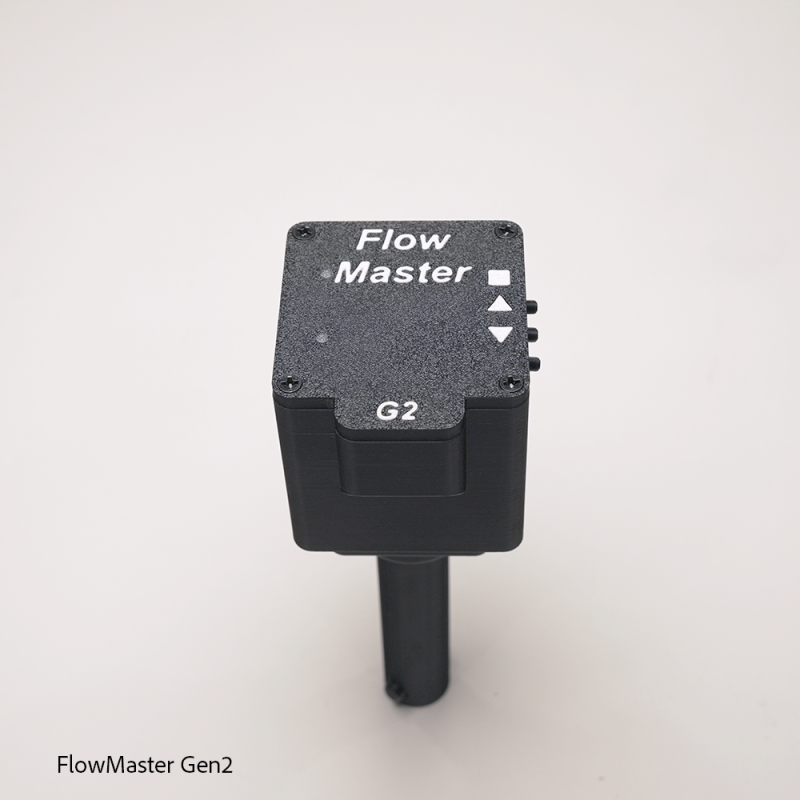
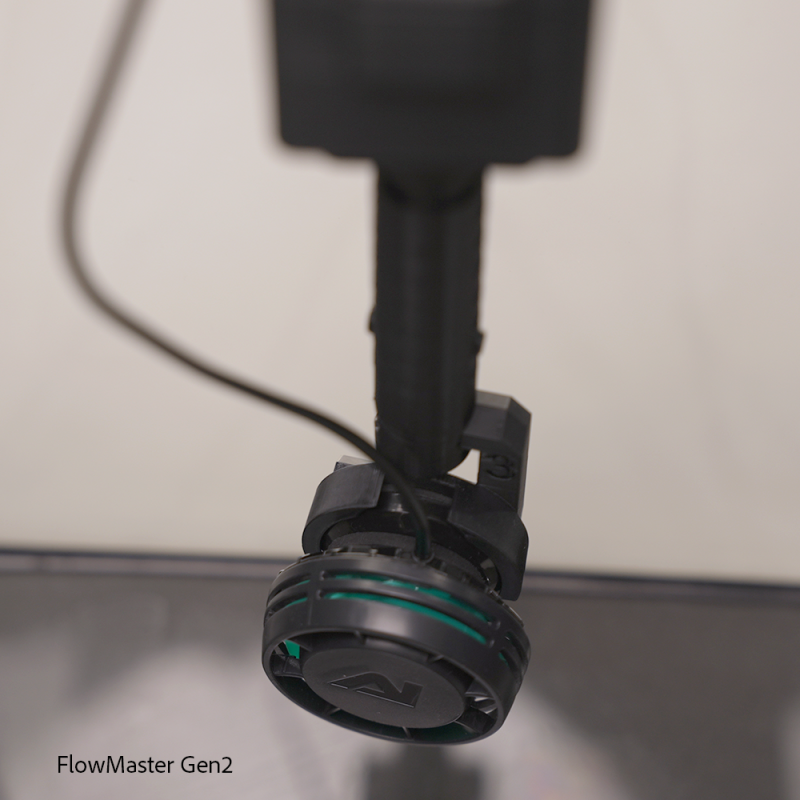
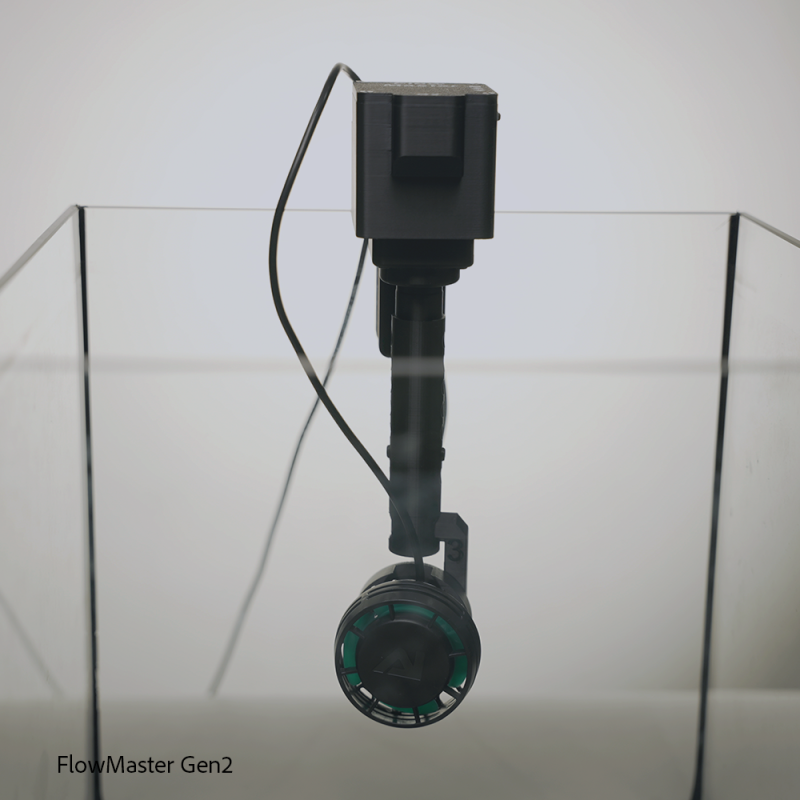
The FlowMaster Gen2 is an advanced aquarium flow-control system designed to automatically sweep your pump or flow arm back and forth across a custom range. Instead of pushing water in one fixed direction, FlowMaster helps create wider, more natural water movement throughout your aquarium.
Built around a precise position sensor and stepper motor control system, FlowMaster allows you to set your own sweep range, adjust speed, and safely recalibrate the center position of your tank setup.
Key Features
- Set your own left and right sweep points by manually moving the arm into position and saving each endpoint. Once configured, the unit automatically sweeps between those two points.
- FlowMaster slows down as it approaches each endpoint, helping reduce hard stops, thumping, and unnecessary mechanical stress.
- The system monitors its position in real time. If the arm is bumped, moved outside its configured range, or the sensor detects an invalid reading, FlowMaster can stop or gently recover instead of forcing the motor into a hard limit.
- FlowMaster uses USB-C Power Delivery to request a 12V power supply for strong and reliable motor operation.
- After 10 seconds of no button activity, the indicator lights turn off to keep the aquarium area dark. The unit continues operating normally and wakes the lights again when a button is pressed.
Button Controls
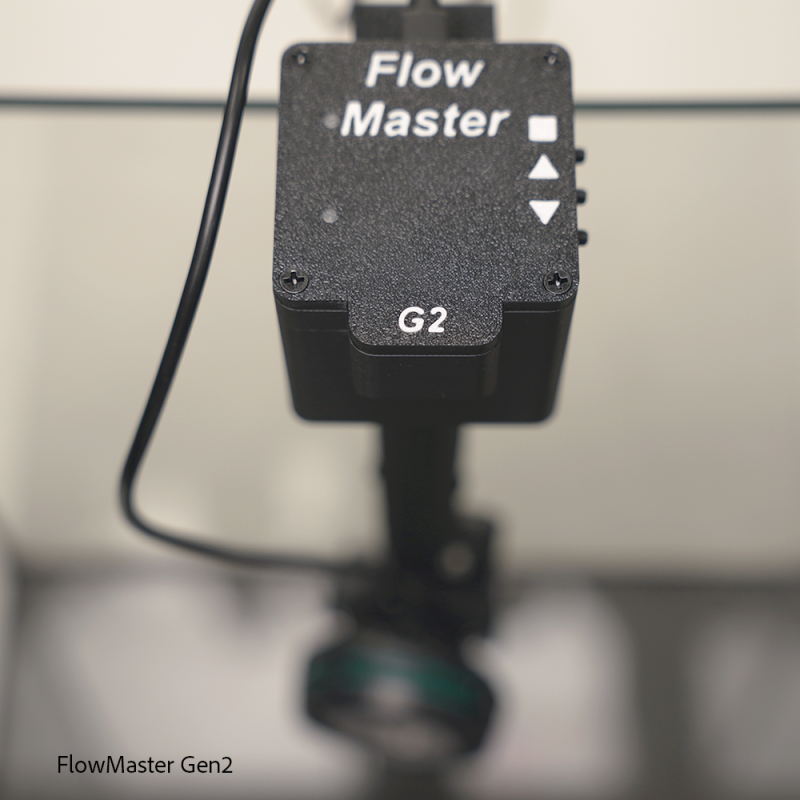
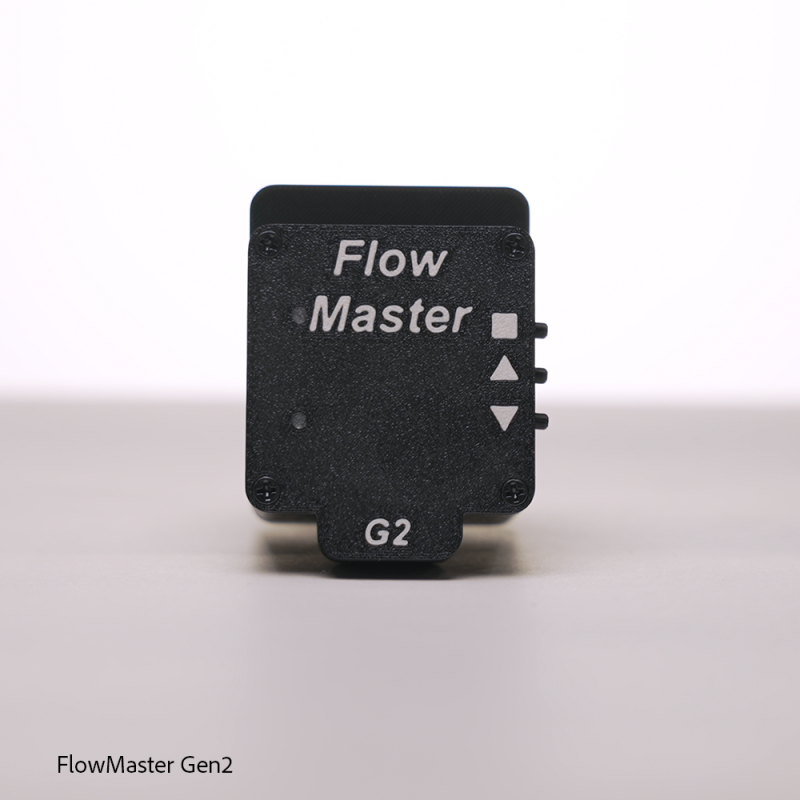
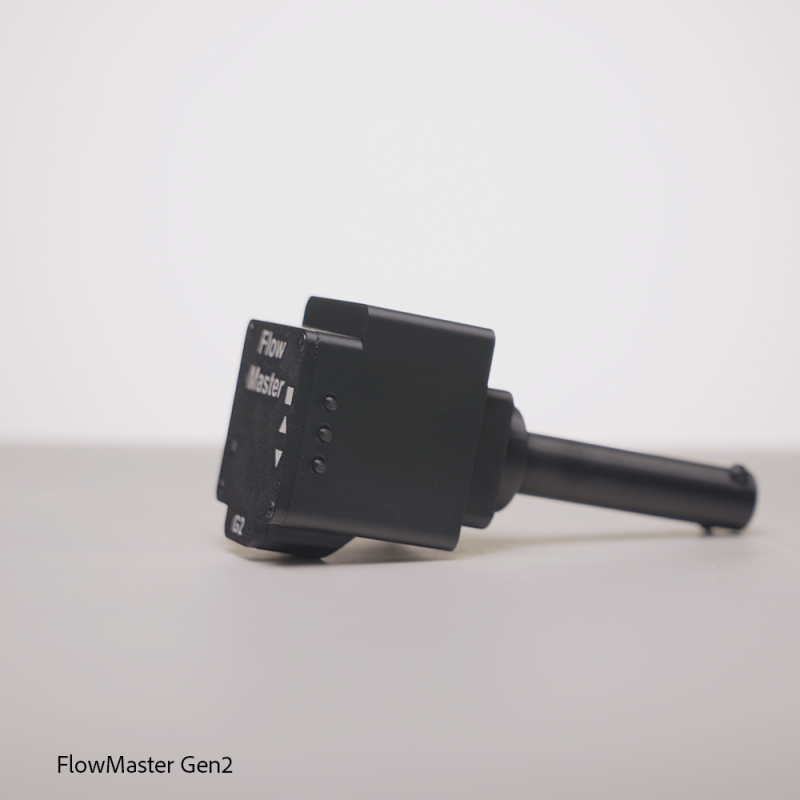
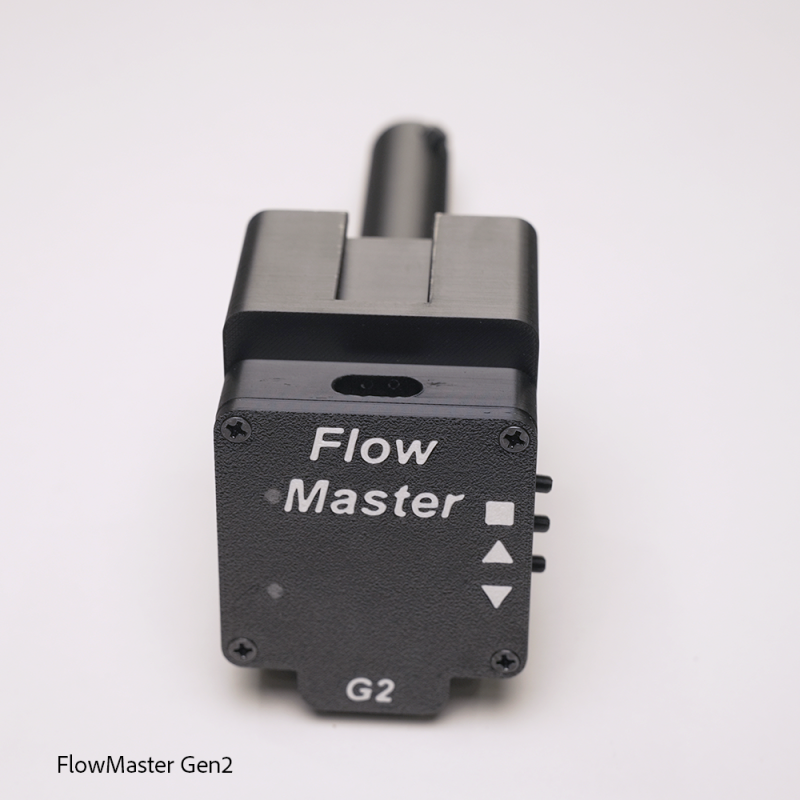
FlowMaster uses three buttons:
| Button | Function |
|---|---|
| Down Arrow Button | Lower speed / Save position |
| Up Arrow Button | Raise speed |
| Square Button | Enter sweep setup |
Normal Operation
During normal operation, FlowMaster continuously sweeps between the saved start and end points.
Adjust Speed
- Lower Speed:
- Press Down Arrow Button to lower the speed.
- Raise Speed:
- Press Up Arrow Button to raise the speed.
*Each button press changes the speed in small steps. When the minimum or maximum speed is reached, the red indicator light stays on while the button is held.
Setting the Sweep Range
Use this mode to set how far the FlowMaster arm should travel from side to side.
How to Set Start and End Points
- Hold Square Button 3 for 3 seconds.
- The motor will release, allowing you to move the arm by hand.
- Move the arm to the first desired stop point.
- Press Down Arrow Button to save Point A.
- Move the arm to the second desired stop point.
- Press Down Arrow Button again to save Point B.
- FlowMaster will save the sweep range and return to normal operation.
LED Indicator Guide
| System State | Blue Light | Red Light | Meaning |
|---|---|---|---|
| Normal sweeping | ON | OFF | System is running normally |
| Changing speed | ON | Blinks | Speed was adjusted |
| Min / max speed reached | ON | ON | Speed limit reached |
| Sweep setup mode | ON | ON | Motor is released; waiting for endpoint setup |
| Saving sweep point | ON | Blinks | Point A or B saved |
| Sleep mode | OFF | OFF | Lights are off, system still operating |
Safety & Protection Features
FlowMaster is designed with several built-in protection features to help prevent damage to your aquarium setup.
Soft Endpoint Control
The motor slows down before reversing direction, reducing impact at the sweep limits.
Wide-Sweep Safety Trim
When a very large sweep range is used, FlowMaster automatically leaves a small safety buffer near the outer edges to reduce the chance of hitting the tank wall, brace, or obstruction.
Out-of-Range Recovery
If the arm is manually moved outside the saved range, FlowMaster can slow down and gently guide the arm back into the safe sweep area.
Sensor Monitoring
The system continuously checks the shaft position sensor. If the sensor signal is lost or an invalid position jump is detected, the motor output is stopped to protect the unit.
Recommended Setup Order
For best results, configure FlowMaster in this order:
- Power on the unit.
- Set the sweep range.
- Adjust the sweep speed.
- Let FlowMaster run in normal operation.
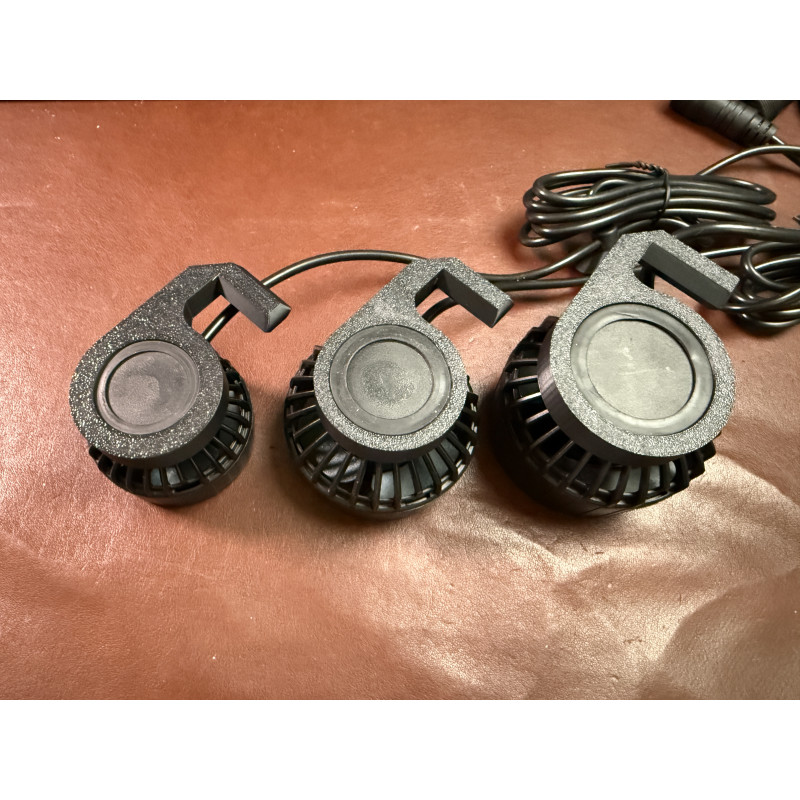
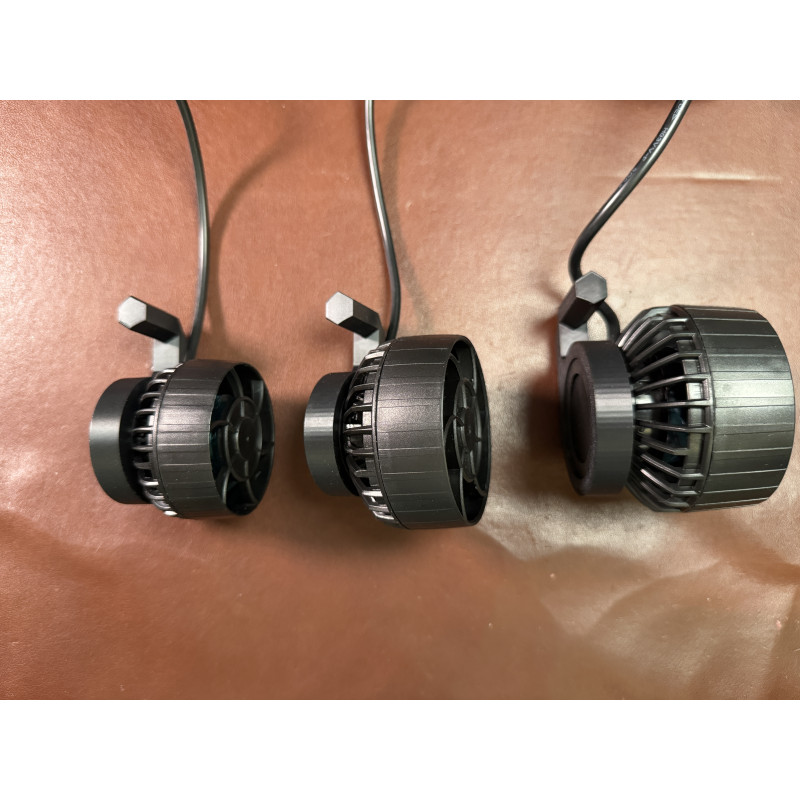
Pump Support:
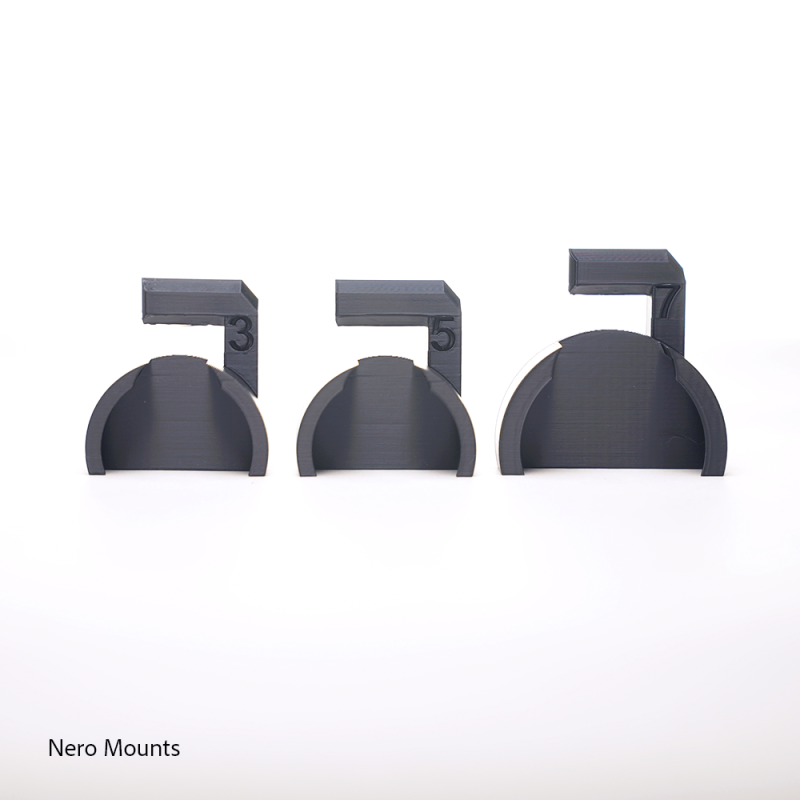
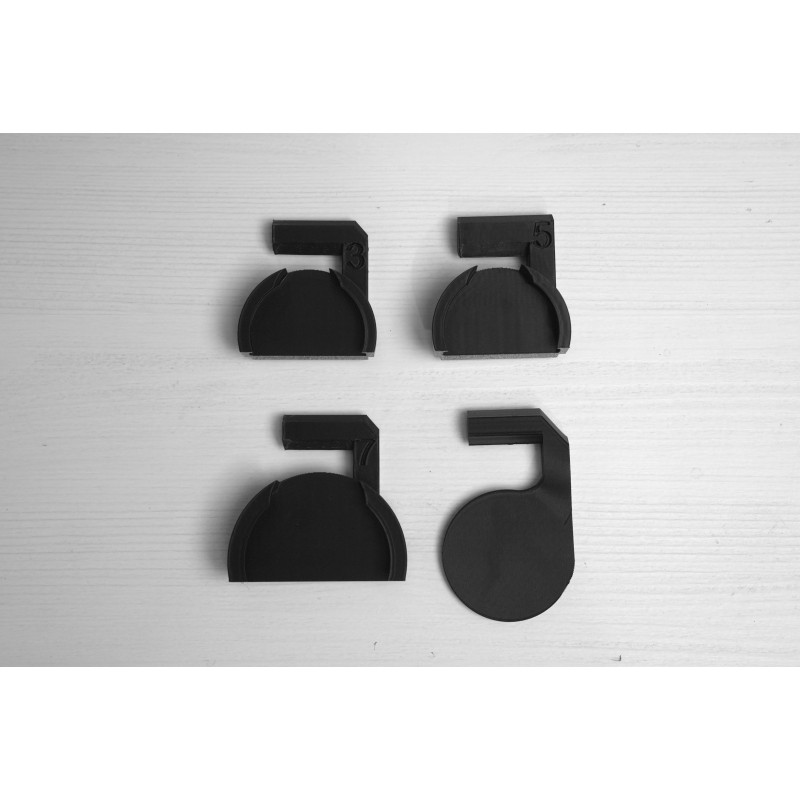
- Nero 3
- Nero 5
- Nero 7
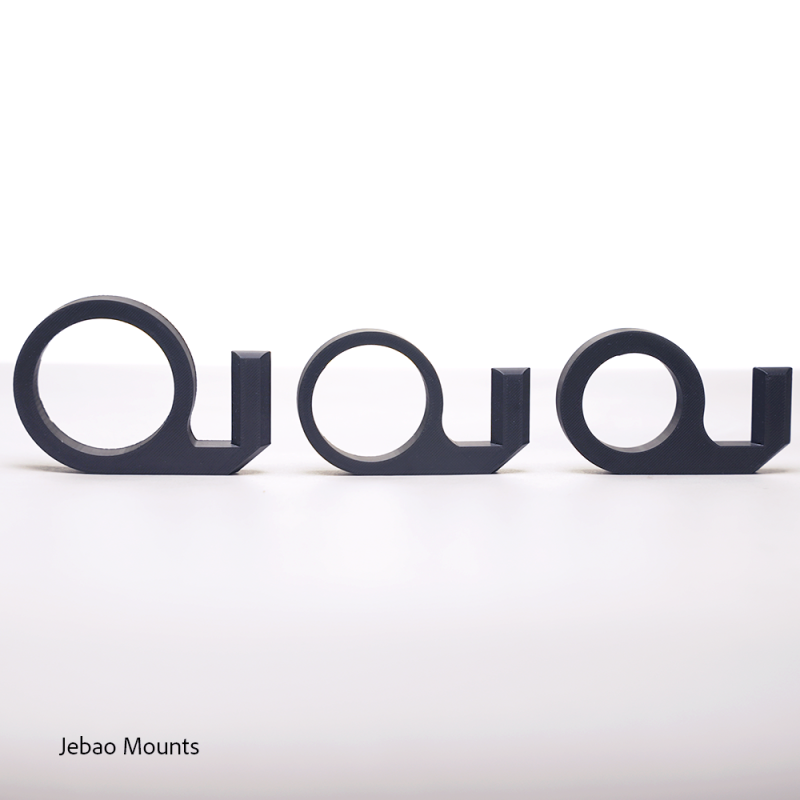
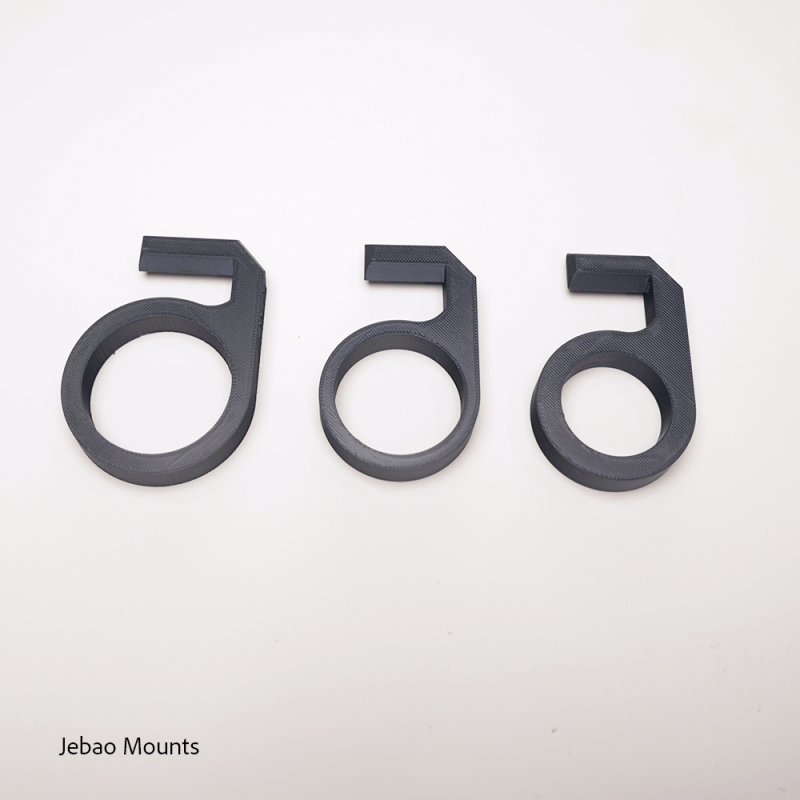
- Jebao SLW 5/10
- Jebao SLW 20
- Jebao SLW 30
Includes:
- FlowMaster Gen2 Unit
- 120v USA USB-C Power Adapter to 12v 2amp
- USB-C Cable
Required Options:
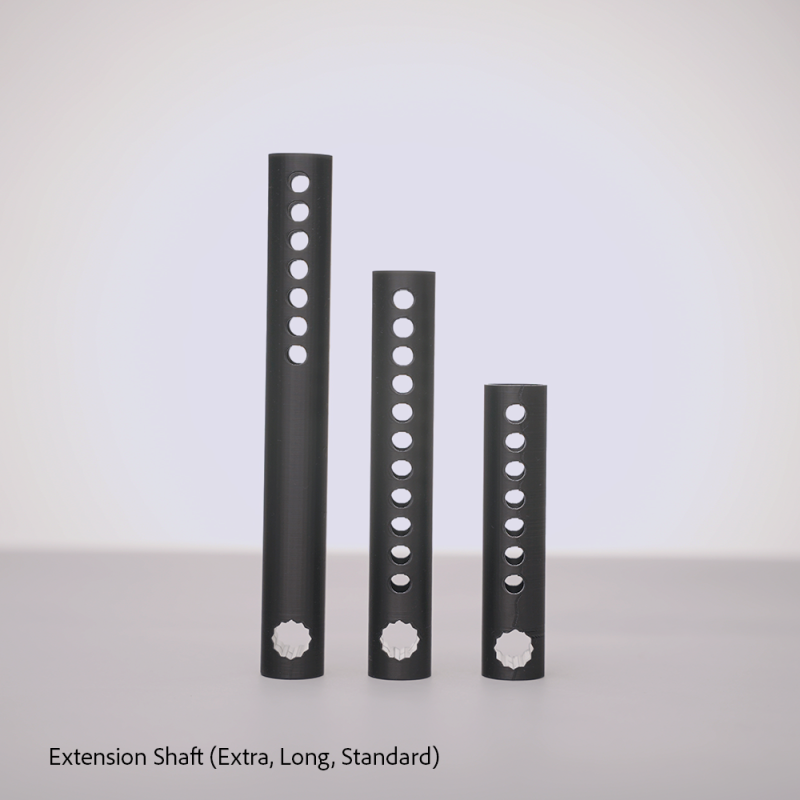
- Extension Shaft
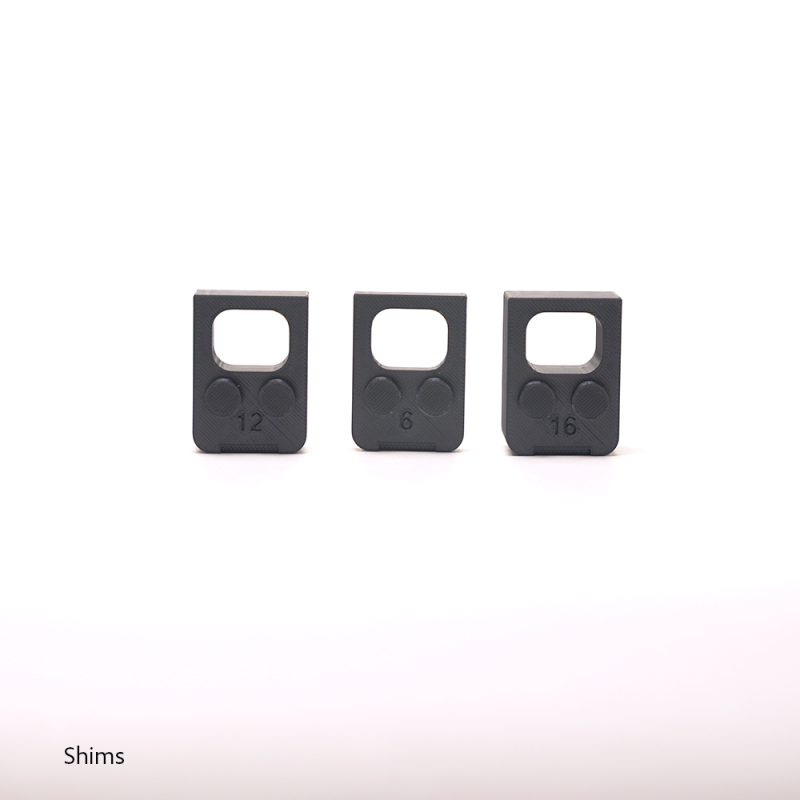
- Pump Attachment
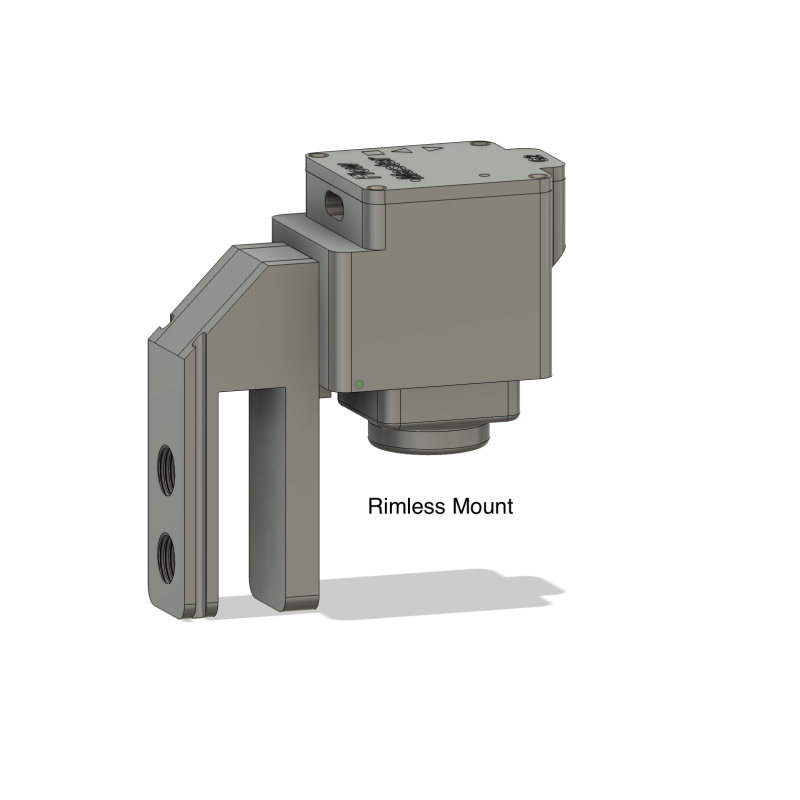
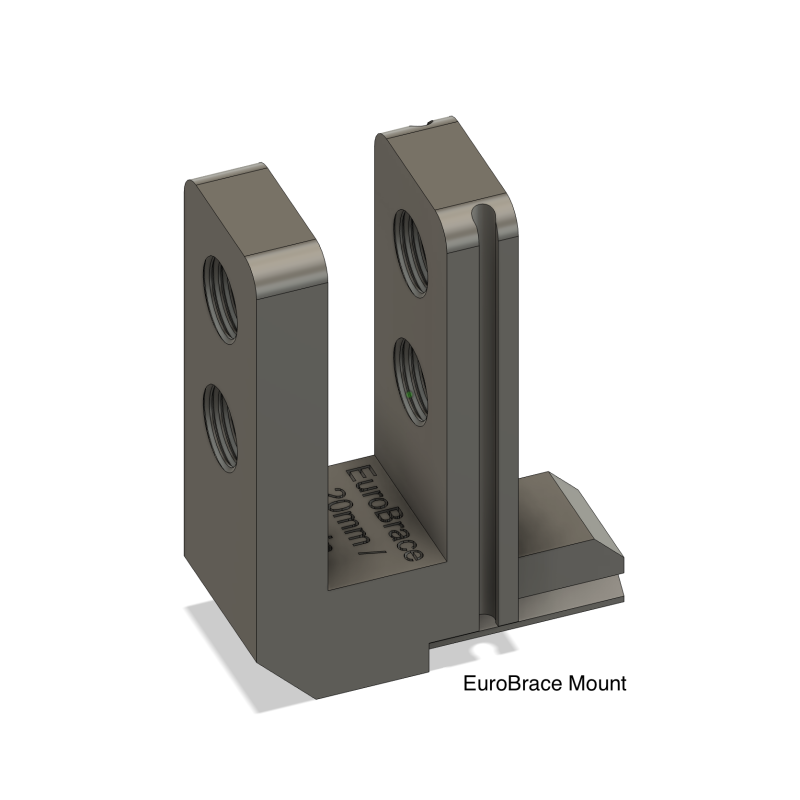
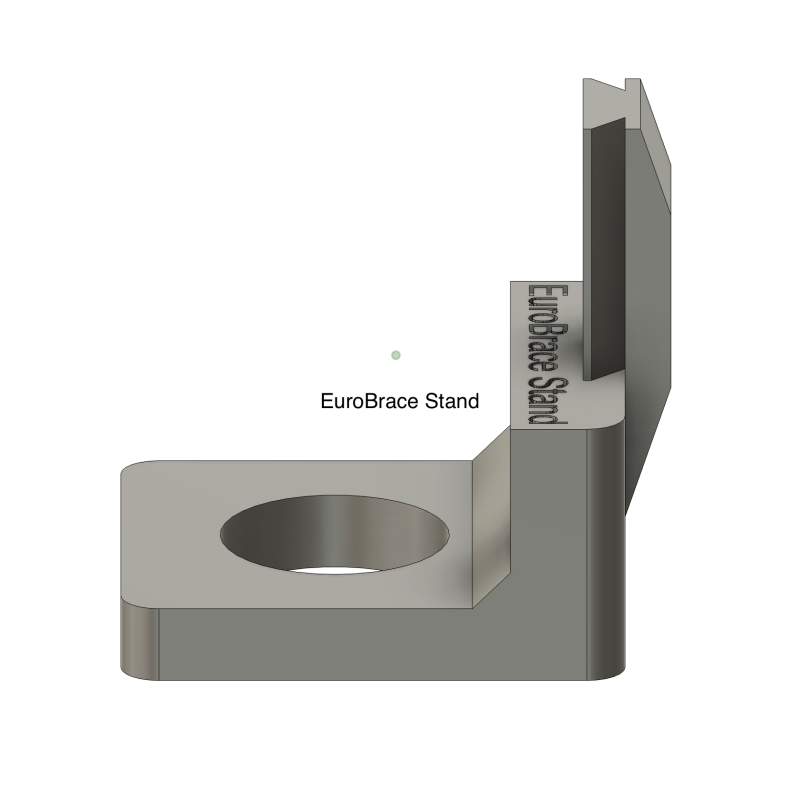
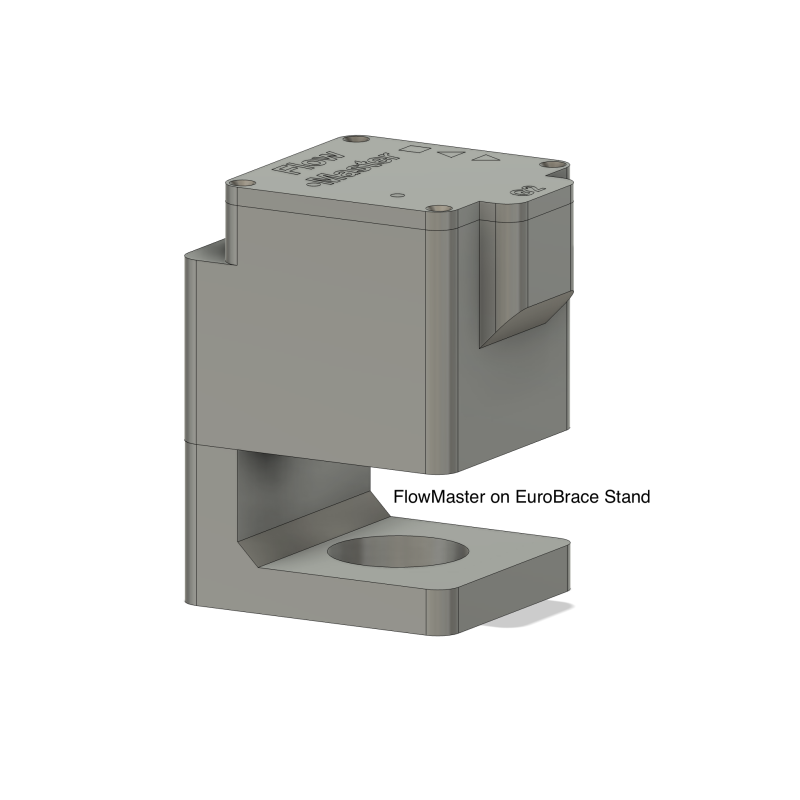
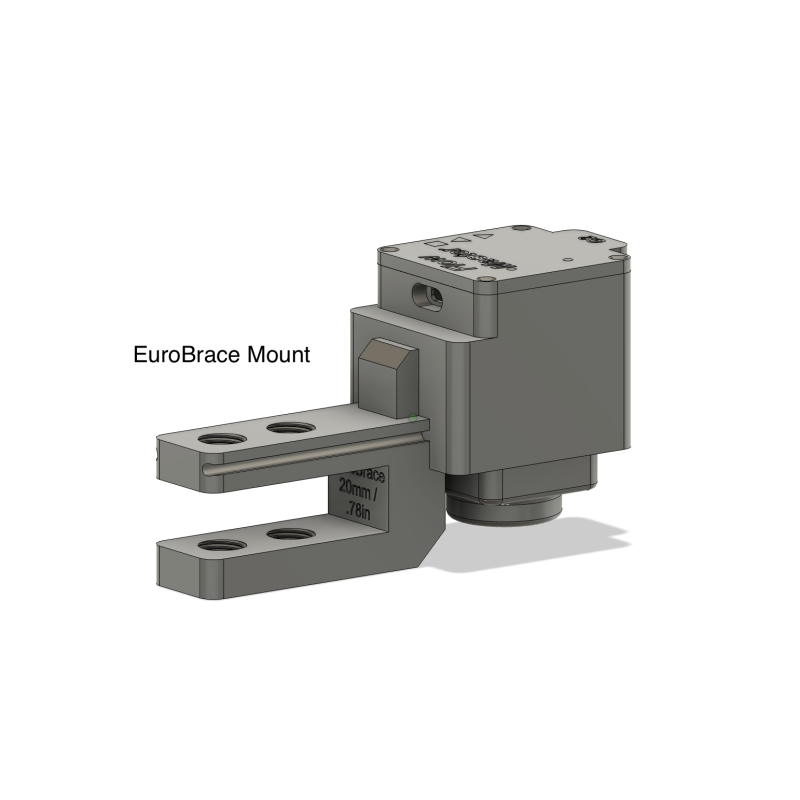
- Mount
Related Products
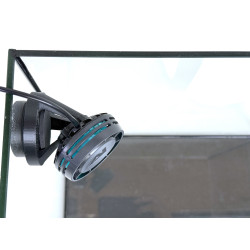
Modern Reefer Corner Pump Mount Bracket for AI Nero 3 - Gen2
Introducing the NEW VERSION 2 Sleek and Reef-Safe Aquarium Pump Corner Mount Generation 2! This u..
Modern Reefer Corner Pump Mount Bracket for AI Nero 5 - Gen2
Introducing the NEW VERSION 2 Sleek and Reef-Safe Aquarium Pump Corner Mount Generation 2! This u..
Modern Reefer Corner Pump Mount Bracket for AI Nero 7 - Gen2
Introducing the NEW VERSION 2 Sleek and Reef-Safe Aquarium Pump Corner Mount Generation 2! This u..
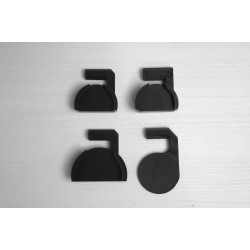
Modern Reefer FlowMaster Replacement Parts
Parts for your FlowMaster FlowMaster Mounting Options Pump Mounting Options